Bafang M500 - BESST and limits

Question about battery connections!!
The ebike has a Bafag M300 Mid-motor.
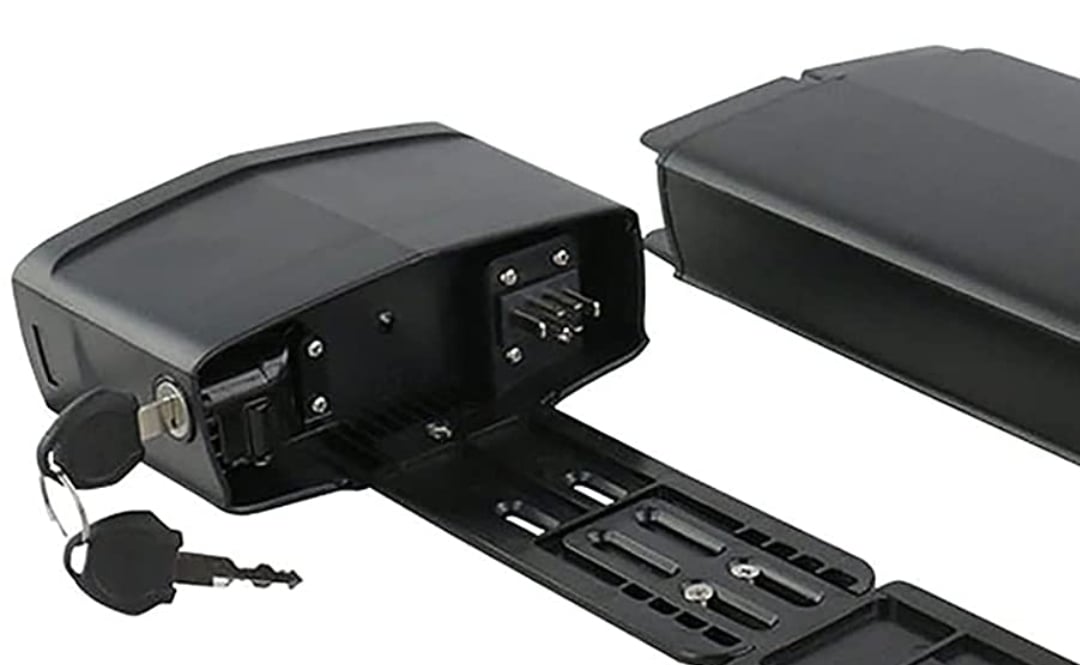
I want to change my battery to another one that has more capacity. But the batteries that i found in the market have only two cabels (red and black) to connect the power. While my old battery has 4 extra cables in the middle (see photo).
Are they to turn on/off the back and front lights?
Hello.
I think it is the connection cables to the motor controller, through these the controller checks the state of the battery; I think you have to get a compatible battery, alternatively you could recell (sorry for my english) the battery by replacing the cells with more powerful cells.

Salvatore
 
⚡ EMTB Pro Go Pro — exclusive discounts & ad-free Peaty's 25% off & more · Ad-free browsing · Pro badge See the deals →
@Laudix Thanks for answering
I found batteries that also have 6 Pins but I don't know how they will be connected.
(I mean the four wires in the middle)
Screenshot_20211027-164626_Amazon Shopping.jpg
 
Last edited:
No need for the other wires. Just for a more accurate battery status and range on display. Without the connection the bike stil functions fine. Range on display may be a little less reliable as before.
 
Would not be plug and play to switch controllers over between m500 and m600. Some wires are not in the same order.
 
Sorry ... some things are not clear to me:
- what are the changes to be made?
- Which FW should be installed, that of the M500 or that of the M600?
- What are the benefits of this update?
 
The changes to be made are interchange two cables in the connection to the motor.
The firmware to be installed are the M600 with your voltage. (I can do this with the BESST Tool).
The benefits are having more power (around 900W)

Or someone know where to buy the M500 controller at a good price?
Thanks

127820777-4a2f010e-7714-4727-adc6-1717fea67c0a.jpg
 
Last edited:
  • Like
Reactions: rtp
Hello ebikers.

K1 eBikes has designed small, portable and simple K1 CAN Monitor & Speed Unlocker - no need computer or mess with BESST. Works ONLY with Bafang motors with CAN bus (green connector to display with "house" shape 5 pin connector).

For more info check the following link:
https://endless-sphere.com/forums/viewtopic.php?f=31...

How to unlock speed:
https://youtu.be/6z3TzEqNWsQ

If you interested, send an email to [email protected], will answer any questions and will send user manual.
K1 CAN Monitor is determined for testing purpose only and is not waterproof.

CANMon2.JPG
 
Here are attached files:

Here is manual for configuration:
and here latest script:
Hi I am looking for the manual how to setup the BESST login hack. The download link you provided does not exist anymore. Do you now another link where to get it?
 
Here are attached files:

Here is manual for configuration:
and here latest script:
Happy do you have the another link as this one doesn't work thanks
 
Hello guys.

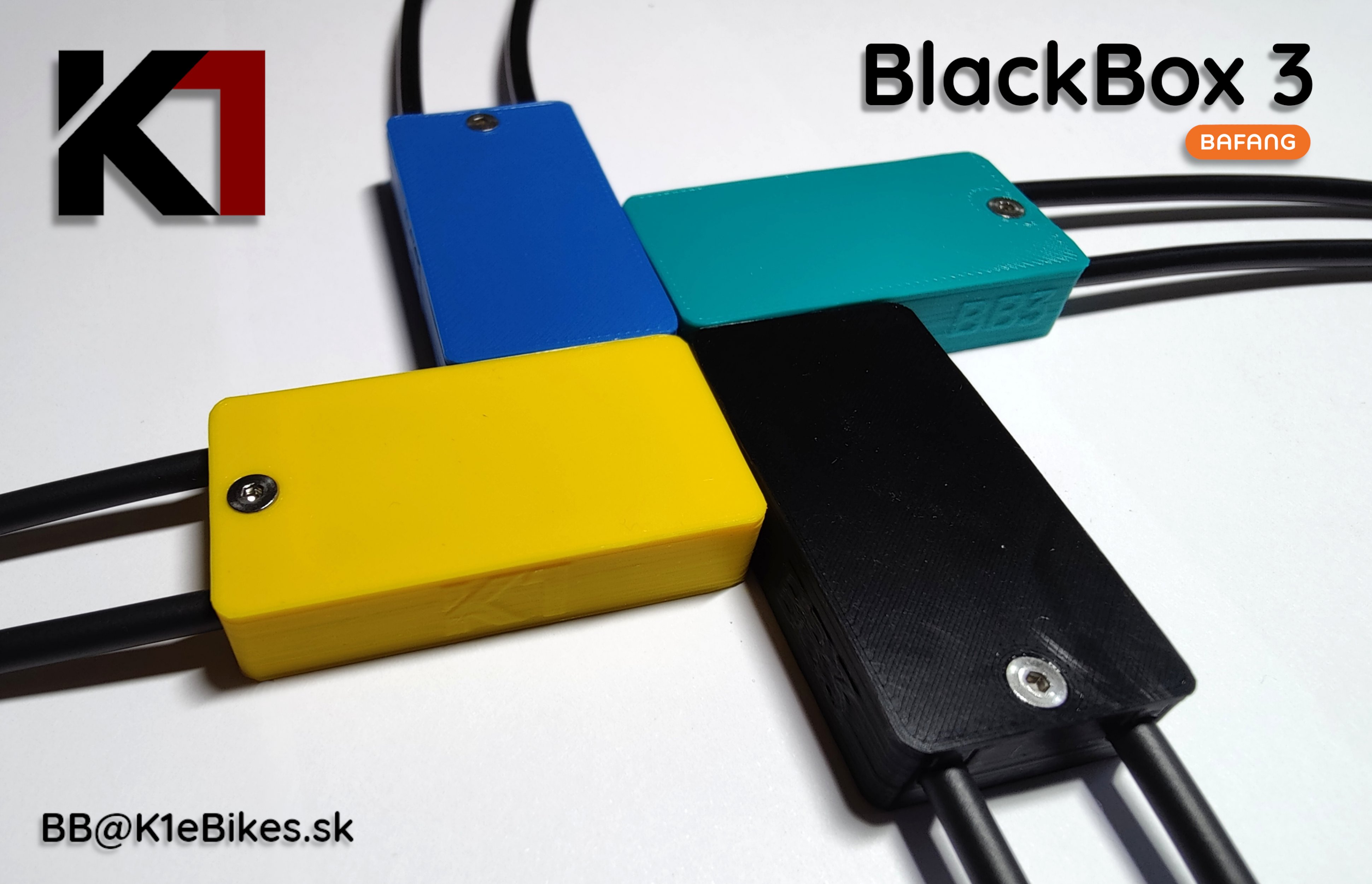
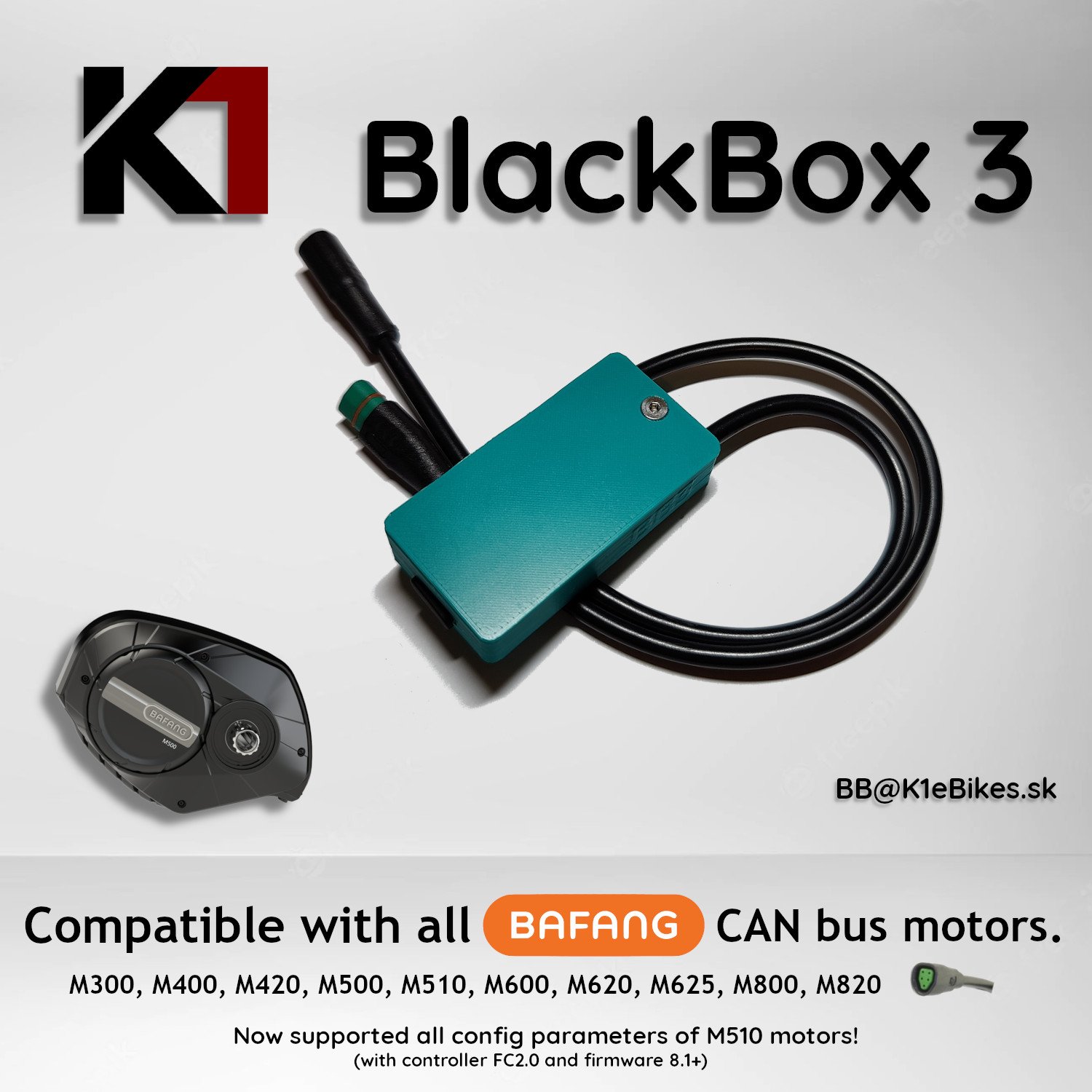
Here you can easily set speed limits and parameters of your Bafang CAN controller (all possible parameters supported only by latest M510 FC2.0)

Just cable in front of display and press magic combination on your display/buttons. Then you can unplug device.

Here is a link with more info, pictures, videos, tips and order form:


Colored BB3 2.jpg K1 BB3 ebay.jpg
 
if anyone needs it, I have the Besst tool for sale. message agreement. I send within Europe

I also have an m500 engine, used for a short time.
 
Keep reading
    Browse all

    Similar Threads

    Community Stats

    Since 2018
    669K
    Messages
    40,937
    Members
    Join 30,000+ Riders, it's free!
    Back
    Top