shakeystart
Member
Is there a way to change the GUI of BLEVO? I'm not in love with the large circles that appear and would like to customize the appearance.
Follow along with the video below to see how to install our site as a web app on your home screen.
Note: This feature may not be available in some browsers.


You can go to "Customize Display" and change the screen layout. I think the default, vertical layout uses horizontal bars instead of dials/circles.Is there a way to change the GUI of BLEVO? I'm not in love with the large circles that appear and would like to customize the appearance.

no sorry..Hello,
Is it possible to use an external GPS receiver on iOS as I already have with RaceChrono ? I have a lot of errors (example 115km per hour !!) with the internal GPS.
Thank you
Now in the Android version you can remove the "circle" of the speed and the the cadence using the dedicated checkbox in the display configuration.. I don't like me too..You can go to "Customize Display" and change the screen layout. I think the default, vertical layout uses horizontal bars instead of dials/circles.


I own a Garmin 1030, and I moved to a cheap 100 android phone instead with Blevo, way easier to use, trailforks works for real and with the Garmin I had to run my phone and the garmin for most stuff to almost work. Garmin is going on the chopping block...Haha, and never the twain shall meet!
@PaoloBLEvo great, looking forward to this solution...?Thank you.About the sync of the rides between 2 phones (Android). I suggest to make a backup every ride and before starting a new ride, if you want to change the phone, please restore the backup on the new phone.
In the use case (20 rides on one phone and 70 rides on another phone), I'm implementing the import functionality, so with the CSV you can import the ride from one phone to another..
Stay tuned..


Still no landscape mode for IOS?I just released the new version 3.6.0 of BLEvo for iOS.
I have added the management of the barometer in order to have better altitude values than the GPS.
I also introduced the management of the SL extender. The battery percentage is now increased by the extender value. You will see values higher than 100%, because 100% refers to the main battery. So for example, since the main one is 320Wh and the extender is 160Wh, with all 2 batteries charged to 100%, you will see a charge percentage of 150%. I attach some pictures
Here I list all the news:
- Added cardio zones
- Added SL extender management
- Barometer management added
- Added Slope field in the display (recommended only if the phone has a barometer)
- Bugfix: Restored character ? instead of ? in older versions of iOS
- Bugfix: Average consumption display with additional battery
- Bugfix: display of long texts
- Update to XCode 12.0.1 for iOS 14
Updated from the Apple Store.
Good fun.
You have to open configuration you'll find a couple of points to set. After that you will see on the display the percentage of battery as a sum of the main + extender. When Blevo reads a % amount discharge from the main, the same applies for the extender,since Blevo can't read the status of the secondary battery.hi paolo
small Q i have a 2019 levo with 500wh and a range extender is there a way for the app to see the extender or moniter it ?
No sorry.. it is still in development..Still no landscape mode for IOS?
 on the phone battery if a power bank is connected

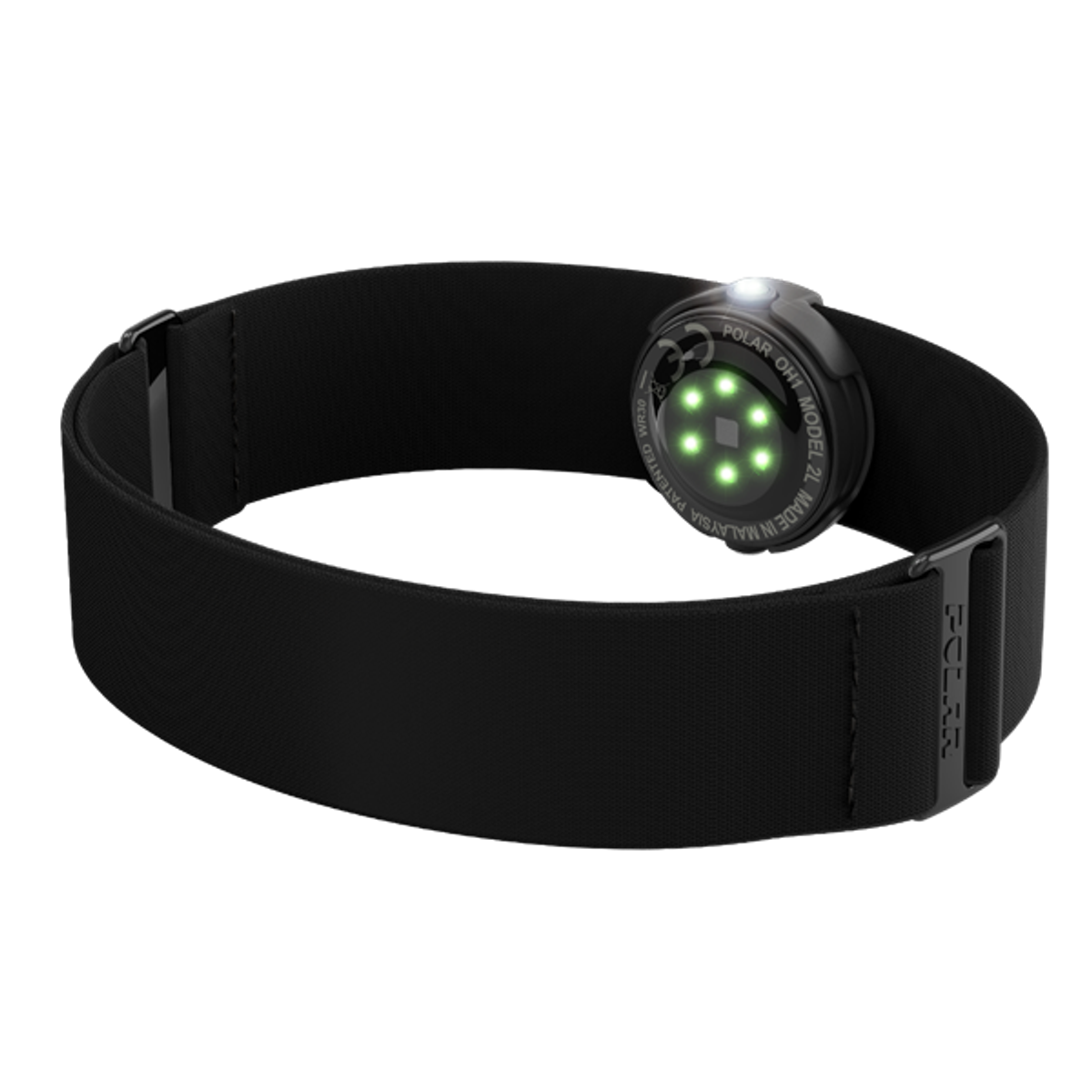
I use a Wahoo TickrWhat heart monitor chest strap is compatible with the Blevo app? I lost my Garmin and was looking for a cheaper replacement. Does it need to be ANT+?
What heart monitor chest strap is compatible with the Blevo app? I lost my Garmin and was looking for a cheaper replacement. Does it need to be ANT+?
Not sure what Android phone you have, but regarding the camera on my Samsung Galaxy a double tap of the power button always brings up the camera regardless of what app/state (off/on) the phone is in.@PaoloBLEvo
Have you thought about adding pause/resume button onto map? Now I have to scroll back to map view again every time I want to continue ride.
Also camera button would be nice. Without any physical camera button it is little tricky to start camera. (scroll up from map, pause to show on screen buttons, .... )
Sometimes program gets stuck in situation where it says "unlock screen" first. I am not sure when that happens but I have to toggle between other programs to get buttons responsible again.
I am using android version of the Blevo.
I just bought this, works well. Cost less than £30.What heart monitor chest strap is compatible with the Blevo app? I lost my Garmin and was looking for a cheaper replacement. Does it need to be ANT+?
I just bought this, works well. Cost less than £30.
CooSpo Heart Rate Monitor Bluetooth ANT+ with Chest Strap for Running Cycling Gym and other Sports
by CooSpo UK
Not sure what Android phone you have, but regarding the camera on my Samsung Galaxy a double tap of the power button always brings up the camera regardless of what app/state (off/on) the phone is in.
To remove the message "unlock screen" you can deselect in the BLEvo configuration to avoid the use with lock screen...@PaoloBLEvo
Have you thought about adding pause/resume button onto map? Now I have to scroll back to map view again every time I want to continue ride.
Also camera button would be nice. Without any physical camera button it is little tricky to start camera. (scroll up from map, pause to show on screen buttons, .... )
Sometimes program gets stuck in situation where it says "unlock screen" first. I am not sure when that happens but I have to toggle between other programs to get buttons responsible again.
I am using android version of the Blevo.
To remove the message "unlock screen" you can deselect in the BLEvo configuration to avoid the use with lock screen...


