Bosch have updated their Flow App and ebike system with a decent update. I've been testing it for a few weeks:
- Can now pair Garmin as a Heart Rate Monitor (and display Heart Rate on KIOX)
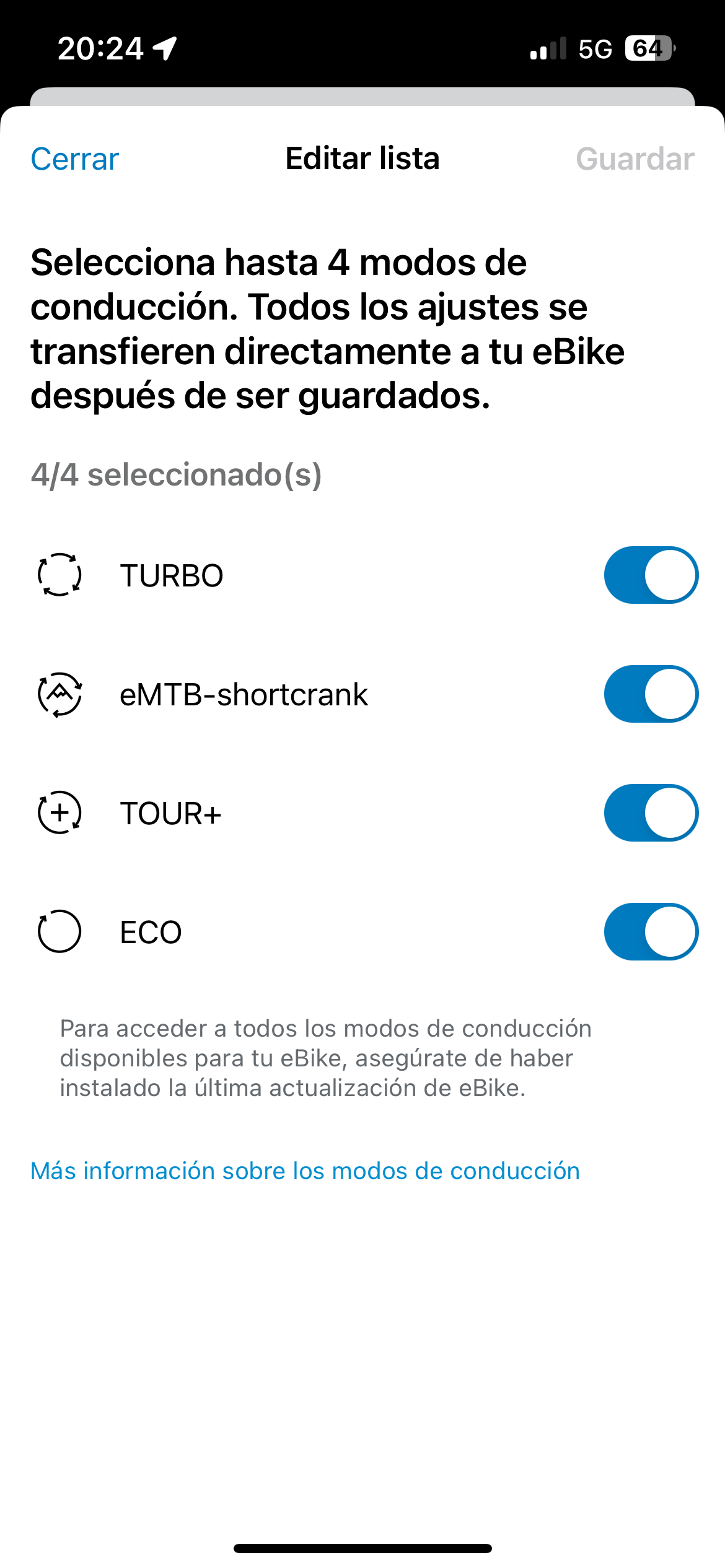
- Can now choose modes on the bike (Tour+ / Auto / Turbo etc) no longer need to go to a dealer to do this
- New DYNAMIC display mode on KIOX, it changes the display dynamically if you are descending / climbing / standstill
Full Update:
Whether belt, band or smartwatch: heart rate monitor in the smart system The community has spoken - and we've listened to you: A popular feature is now coming to the smart system. With immediate effect, you can connect your heart rate monitor to your eBike via Bluetooth and track your heart rate on Kiox 300 or Kiox 500 while riding.
To connect, you use the eBike Flow app. Here's how it works: For example, have your chest strap ready, go to the eBike Flow app settings under "My eBike" > "eBike Pass" > "Components" and add your new device. Please note that the device must be in connection mode to be paired. In addition, you must actively add this new screen on Kiox 300 or Kiox 500 - via the "Display configuration" function under "My eBike".
Uphill, downhill: Discover the elevation graph of your next ride With immediate effect, you can keep an eye on the elevation graph of your current ride on Kiox 300 or Kiox 500 and be pleased with what you have already achieved. While you navigate, your display also shows you which ascents and recovery phases await you.
The new "Elevation" screen can also be added in the eBike Flow app using the "Display configuration" function under "My eBike". And don't forget: there must always be a connection between the phone and eBike in order to utilise the benefits of this function.
Favourite riding modes - put together what suits you best.
With this update, we give you the opportunity to put together your four favourite modes from all the riding modes available for your eBike - and customise them as usual. Instead of the economical Eco mode, you can use the Auto mode, for example, which automatically adapts the support to the environmental conditions.
You can find this new function on the home screen or in the settings of the eBike Flow app under "Individual riding modes". Turn support into motivation. New displays for Kiox 300 and Kiox 500: "Use of riding modes" and "Power share"
Two new screens for Kiox 300 and Kiox 500 now show you how you are doing on your current ride. Simply select the appropriate riding mode while riding and you will see how your own performance compares to the motor support. To see the "power distribution" in percent in the display, use the screen of the same name.
Maybe this will motivate you to achieve your fitness goal next time with less support from the electric motor. You add the new screens using the display configuration function under "My eBike".
Navigate flexibly while riding: Quick Menu for Kiox 300 and Kiox 500
You can customise destinations by starting navigation to one of your most recent destinations. You can also stop your currently active navigation. To do this, hold down the selection button of the LED Remote, Mini Remote or Purion 200 for longer than one second without removing your phone from your pocket.
- Can now pair Garmin as a Heart Rate Monitor (and display Heart Rate on KIOX)
- Can now choose modes on the bike (Tour+ / Auto / Turbo etc) no longer need to go to a dealer to do this
- New DYNAMIC display mode on KIOX, it changes the display dynamically if you are descending / climbing / standstill
Full Update:
Whether belt, band or smartwatch: heart rate monitor in the smart system The community has spoken - and we've listened to you: A popular feature is now coming to the smart system. With immediate effect, you can connect your heart rate monitor to your eBike via Bluetooth and track your heart rate on Kiox 300 or Kiox 500 while riding.
To connect, you use the eBike Flow app. Here's how it works: For example, have your chest strap ready, go to the eBike Flow app settings under "My eBike" > "eBike Pass" > "Components" and add your new device. Please note that the device must be in connection mode to be paired. In addition, you must actively add this new screen on Kiox 300 or Kiox 500 - via the "Display configuration" function under "My eBike".
Uphill, downhill: Discover the elevation graph of your next ride With immediate effect, you can keep an eye on the elevation graph of your current ride on Kiox 300 or Kiox 500 and be pleased with what you have already achieved. While you navigate, your display also shows you which ascents and recovery phases await you.
The new "Elevation" screen can also be added in the eBike Flow app using the "Display configuration" function under "My eBike". And don't forget: there must always be a connection between the phone and eBike in order to utilise the benefits of this function.
Favourite riding modes - put together what suits you best.
With this update, we give you the opportunity to put together your four favourite modes from all the riding modes available for your eBike - and customise them as usual. Instead of the economical Eco mode, you can use the Auto mode, for example, which automatically adapts the support to the environmental conditions.
You can find this new function on the home screen or in the settings of the eBike Flow app under "Individual riding modes". Turn support into motivation. New displays for Kiox 300 and Kiox 500: "Use of riding modes" and "Power share"
Two new screens for Kiox 300 and Kiox 500 now show you how you are doing on your current ride. Simply select the appropriate riding mode while riding and you will see how your own performance compares to the motor support. To see the "power distribution" in percent in the display, use the screen of the same name.
Maybe this will motivate you to achieve your fitness goal next time with less support from the electric motor. You add the new screens using the display configuration function under "My eBike".
Navigate flexibly while riding: Quick Menu for Kiox 300 and Kiox 500
You can customise destinations by starting navigation to one of your most recent destinations. You can also stop your currently active navigation. To do this, hold down the selection button of the LED Remote, Mini Remote or Purion 200 for longer than one second without removing your phone from your pocket.


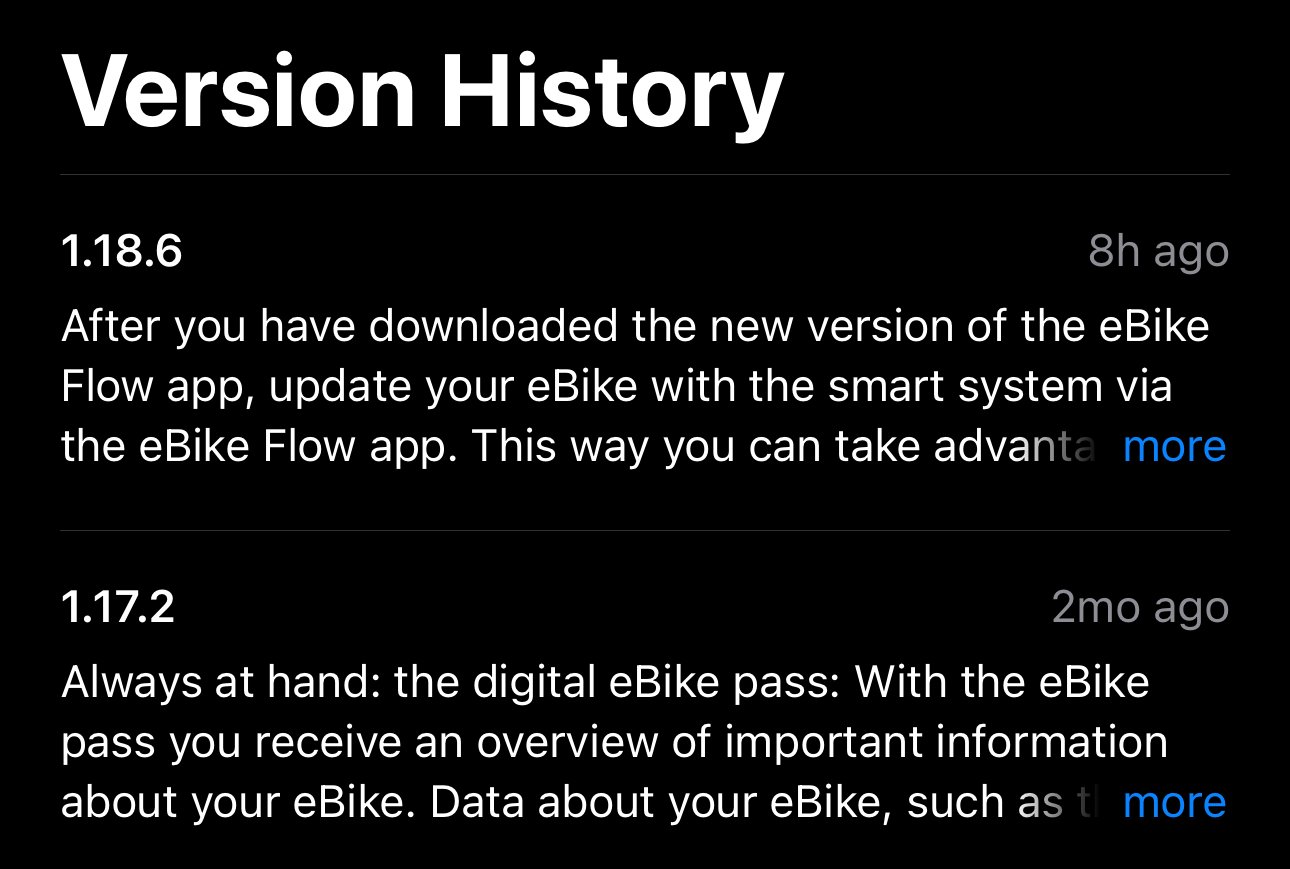

 Maybe you can delete the „2024“ from the header so that we can use it for all future updates?