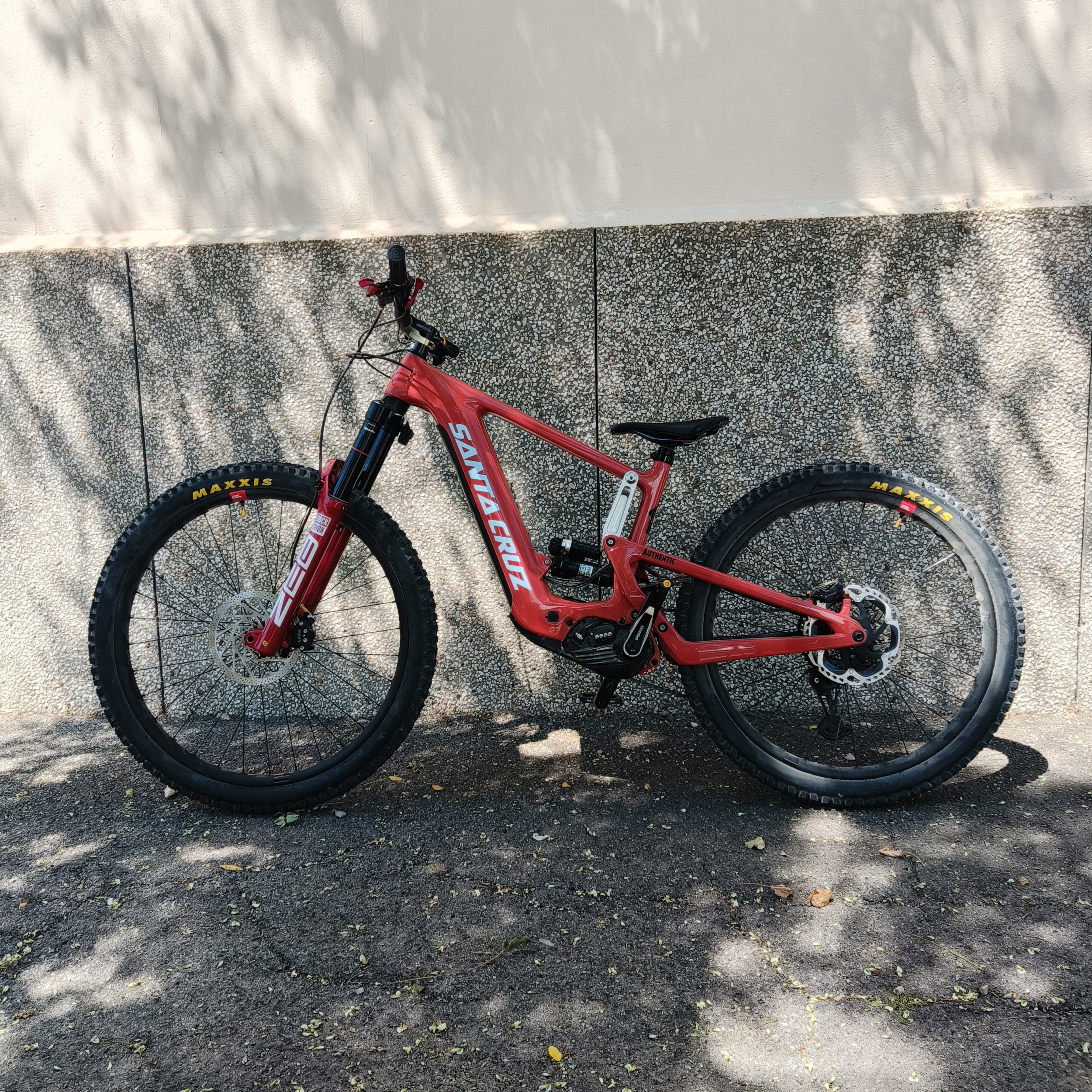
An Update on EMax tuning on a EP801 or EP6. The new software update, (Ver2.5) allows for you to do the entire upgrade yourself with no remote session required.
This is the process :
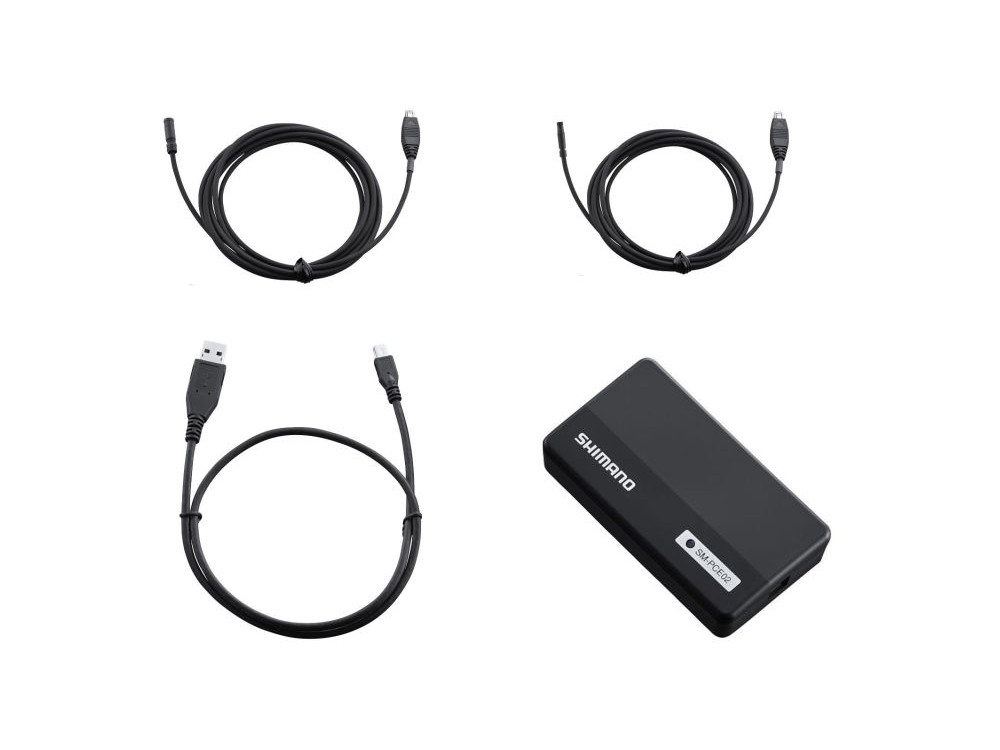
You need to get a Shimano PCE02 interface cable. It has a USB-A port to plug into your laptop. And a SD300 Etube port to plug into your motor.
You need to download the ETube Professional software for windows on your laptop. Here is the link. It is free.
E-TUBE PROJECT Professional is a Windows app created specifically for dealers and connection devices. By connecting your bicycle to a PC with a cable, you can perform detailed operational checks on the bicycle, perform maintenance, or get riding tips.

bike.shimano.com
With the PCE02 cable plugged into the motor ETube port, but not plugged into the laptop. Install the ETube Professional software for windows on your laptop. After installing it, open the programme. It will then prompt you to plug the USB cable into the PC. This will install the USB driver for the PCE02 cable.
When complete, you should be able to go online with your motor with the Shimano software.
You don't need the ETube Professional software. It was just needed to install the USB driver. So press disconnect, and close the software.
Download the MiniMax software from EMAX. It is free. Here is the link.

www.emax-tuning.com
With the PCE02 cable plugged into the motor ETube port, and plugged into the laptop. Run the .exe file. You will get this screen.
Press the "Open Port" button, (Top right corner) Then the "Get Information" button. This will read your Serial Number to sent to EMax. When it's finished reading. Take a screenshot.
Send an Email to EMax with the screenshot.
[email protected]
Tell them you want to license the software, to upgrade the speed limit to 50kph. They will reply with a Paypal account for you to transfer 119 Euros. Send Markus the 119 and he will send you back the License Number to activate the software.
On the motor. Disconnect the big battery cable.
Disconnect all the Etube Port cables. You can leave in the speed sensor cable.
Plug in the PCEO2 cable into any of the E-Tube ports on the motor. Plug the USB cable into the laptop.
Start the MiniMax software. Select the "Direct Connection" Box. (This will power the motor from the computers USB port). Press the "Open Port" button, (Top right corner) Then the "Get Information" button. Enter in the licence number in the Licience Key Box.
When you do this. In the Tab on the right, an Update Motor Firmware box will appear. Press it. It will take about 5 mins. (Do not touch anything whilst this is happening)
When this is done, you can enter a speed up to 50kph in the bottom right hand corner and press. "set speed limit" button.
When this finishes you are done.
Enjoy responsibly.