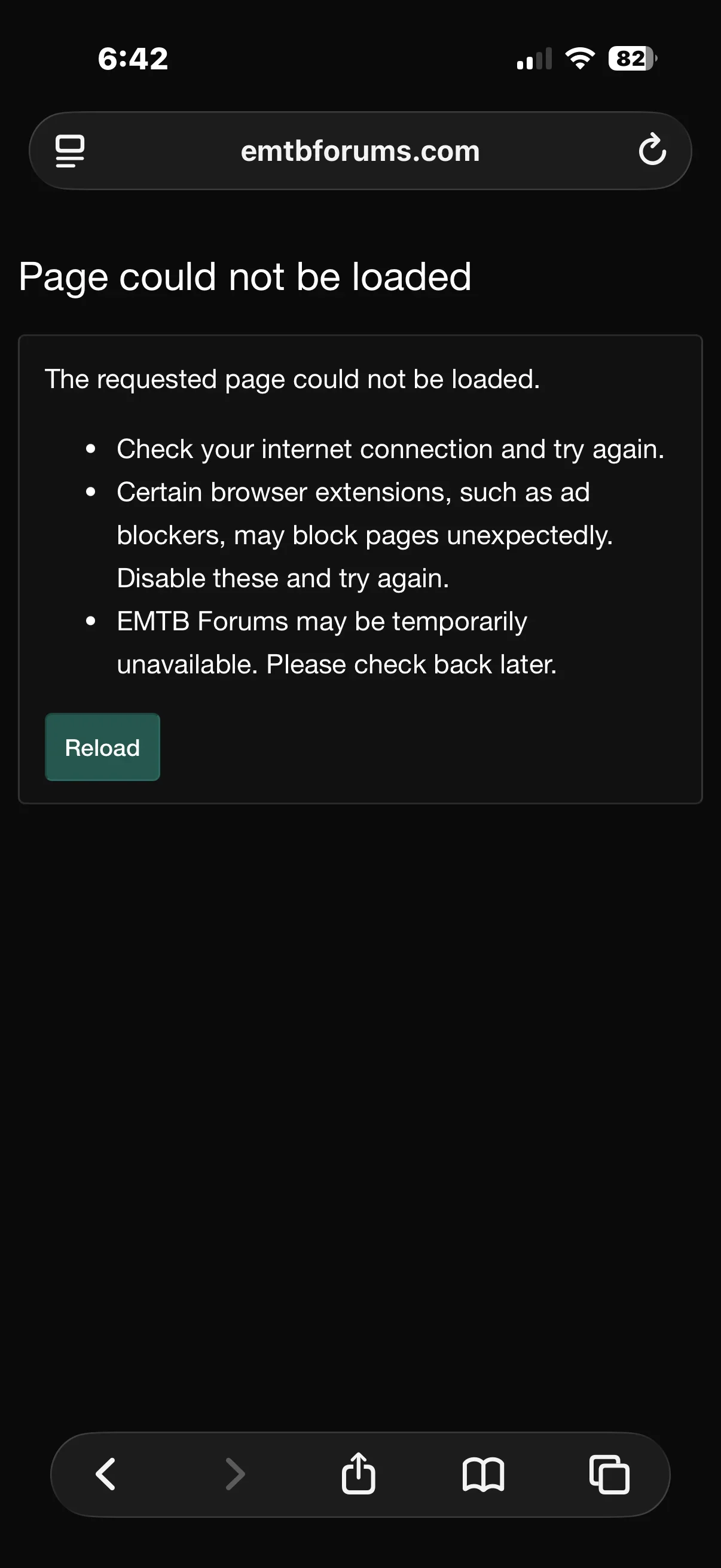
Oops ! We ran into some problems

Moderator

E*POWAH Master
Staff member
EMTB Pro
Joined
Jul 15, 2020
Messages
313
Reaction score
1,337
Location
FORUM
I'm sure some of you are getting this when trying to PM or reply to posts.

It's being looked into but seems to be more of a general issue, not just with this forum.

Logging out, re-booting, clearing cookies - none of those seem to fix it. Sometimes waiting a few minutes works, but not always.
 
⚡ EMTB Pro Go Pro — exclusive discounts & ad-free Peaty's 25% off & more · Ad-free browsing · Pro badge See the deals →
I'm sure some of you are getting this when trying to PM or reply to posts.

It's being looked into but seems to be more of a general issue, not just with this forum.

Logging out, re-booting, clearing cookies - none of those seem to fix it. Sometimes waiting a few minutes works, but not always.
Don't know if this helps but replies and edits consistently failed Oops........ when ever there was an emoji included but worked fine if I removed it/them!
UPDATE just tried here and same, edit in an emoji and it fails remove it all OK.
 
I'm sure some of you are getting this when trying to PM or reply to posts.

It's being looked into but seems to be more of a general issue, not just with this forum.

Logging out, re-booting, clearing cookies - none of those seem to fix it. Sometimes waiting a few minutes works, but not always.

FWIW, I'm seeing this on LOTS of sites and LOTS of "connection reset" errors lately. I suspect someone in the CDN/networking stack has some issues.
 
test

Screenshot 2026-04-21 at 13.55.51.webp
 
FWIW, I’ve been seeing the “oops” message for this forum for the past 3-4 months. Usually several times a week. I don’t log out but simply close the page, close all other unnecessary pages, then open the forums again. Problem solved.

I primarily use an iPhone and Safari for this forum. It may be that too many pages are open and the amount of “cookies “ may be an issue. Closing multiple windows seems to help. It’s not really an issue since I know what to do now …close, then re-open. I don’t have to log out to re-enter my password and username.

I thought it was just this forum …I guess I could’ve said something sooner …but I quickly navigated around the issue. I thought I was just me or my device.
 
FWIW, I’ve been seeing the “oops” message for this forum for the past 3-4 months. Usually several times a week. I don’t log out but simply close the page, close all other unnecessary pages, then open the forums again. Problem solved.

I primarily use an iPhone and Safari for this forum. It may be that too many pages are open and the amount of “cookies “ may be an issue. Closing multiple windows seems to help. It’s not really an issue since I know what to do now …close, then re-open. I don’t have to log out to re-enter my password and username.

I thought it was just this forum …I guess I could’ve said something sooner …but I quickly navigated around the issue. I thought I was just me or my device.
If you see it again, please let me know what led to it and I can work out a fix.
 
If you see it again, please let me know what led to it and I can work out a fix.
I had this problem today when trying to add a link to a reply. Without the link it was OK, put the link back in and got the error again. Closing the page and opening a new one didn't help in my case. Hope this helps. Good luck with sorting it out!
 
Perhaps you were re-booting the forums a few moments ago but i just got this message while navigating this forum.
IMG_1251.webp
I did the open/close dance.
 
We should be back to normal now. Forum is running fast. Bots stopped for now!
I am not familiar with how forums are managed or how bots work. Yesterday, “Greg Watts” a Bot account was interacting on Trek Fuel Exe megathread. I assumed the bot was here by design, and that was a feature of the forums. Is that what you mean by bot attacks? Are these bot accounts not supposed to be in here? If my two cents matters, I can’t stand them. Terribly frustrating.
 
I am not familiar with how forums are managed or how bots work. Yesterday, “Greg Watts” a Bot account was interacting on Trek Fuel Exe megathread. I assumed the bot was here by design, and that was a feature of the forums. Is that what you mean by bot attacks? Are these bot accounts not supposed to be in here? If my two cents matters, I can’t stand them. Terribly frustrating.
No ones updated the trek Fuel exe megathread since Saturday.

If I do a forum search for posts from Greg Watts from yesterday, I can't see any Trek interactions.

So I think in this case it's what we'd call a bot nightmare ???
 
I see little value in allowing an Ai character on the forum. Clearly such as device is going to conduct a search of the forum potentially going back years everytime an enquiry is raised..........I assume people appreciate the fact that such a device provides no original thought or knowledge and like all Ai there is no guarantee the information provided is of relevant. The forum already has a search function.
 
💯

You can block the AI, just as you can any other annoying user.
I immediately blocked the AI because much (most ?) of it is regurgitated lowest denominator slop averaged out by trawling the Internet which is frequented by social media mouthpieces.
 
Keep reading
    Browse all

    Similar Threads

    Community Stats

    Since 2018
    668K
    Messages
    40,737
    Members
    Join 30,000+ Riders, it's free!
    Back
    Top