My Gen 5 Bosch CX update keeps failing!

mgray0724

Member
Joined
Jul 15, 2024
Messages
9
Reaction score
1
Location
Dallas, TX
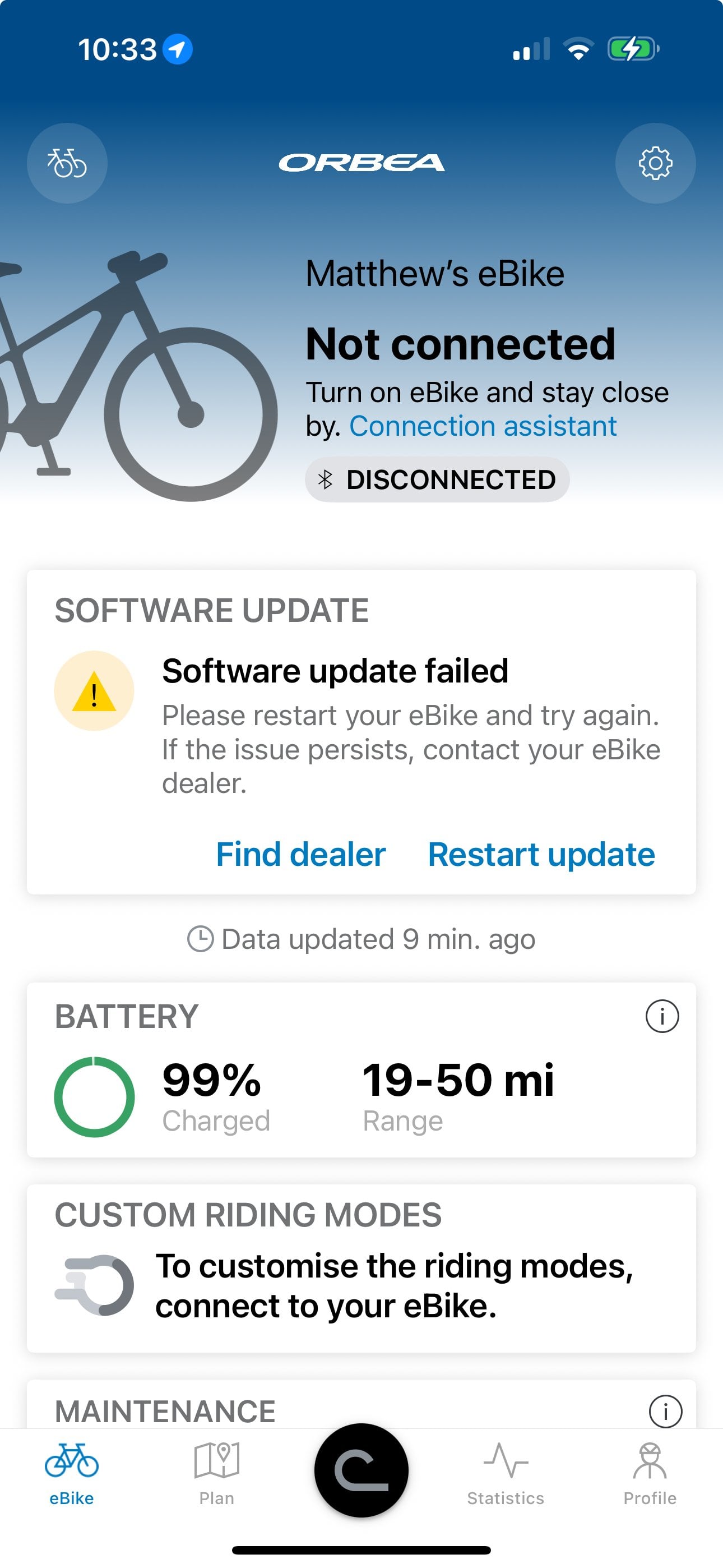
Anyone else in the US trying to update but can't? Everything seems to be working fine. The final step is that it turns itself off and upon turning on it should complete the update but when I turn it back on I get a "Software update failed" message. I have removed my bike from the app and unlinked it from my phone then restarted my phone and the bike and re-paired everything as the Bosch website says if an update fails but no luck. Anyone have any insight?
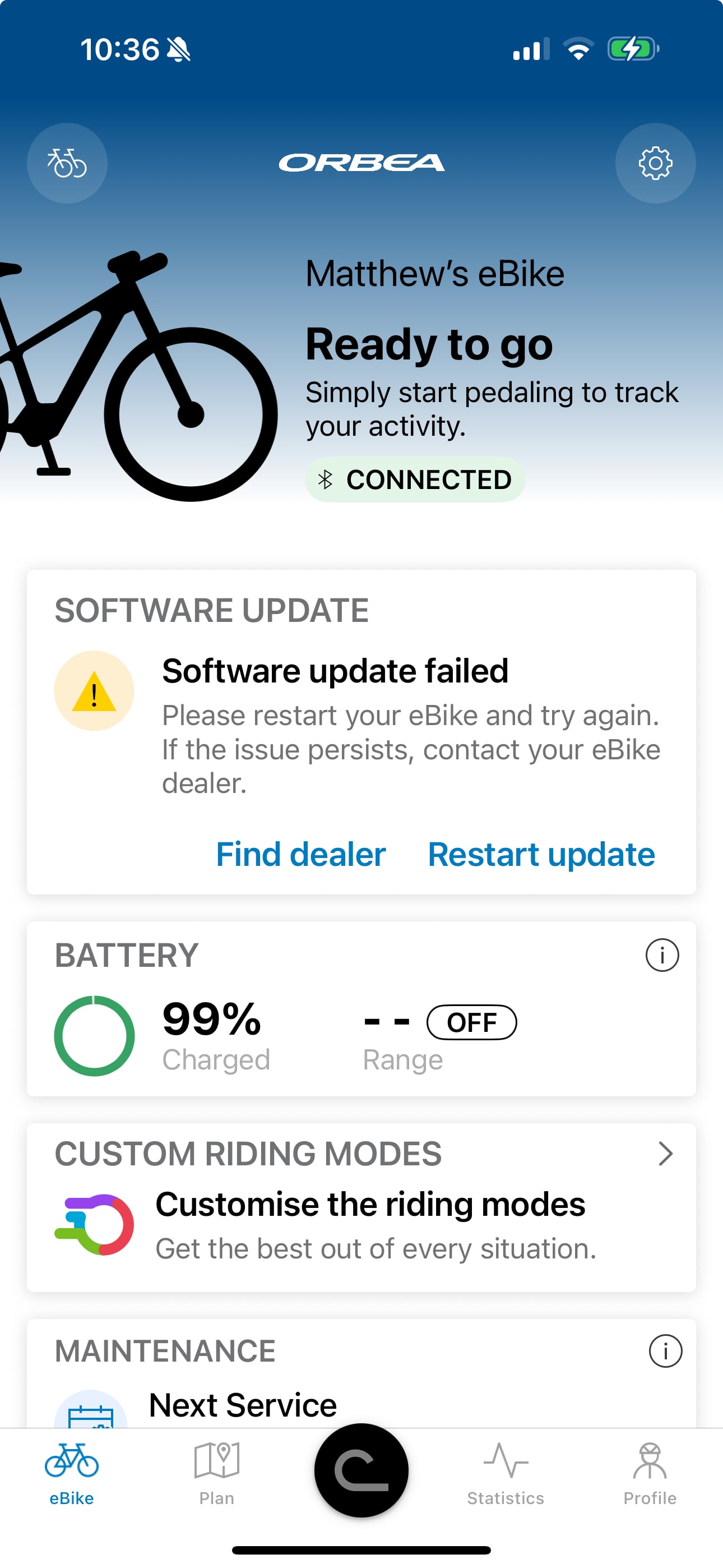
IMG_2F0BAA859C11-1.jpeg


Screenshot 2025-07-14 at 10.33.50 AM.jpeg
 
⚡ EMTB Pro Go Pro — Living Intelligence Reports, exclusive discounts & ad-free Up to 25% off Peaty's, PEMBREE, Magicshine & more · Ad-free browsing · Pro badge See the deals →
I’m having the same issue, updates haven’t been a problem in the past. Let me know if you find a fix
 
I’m in the UK, but every Bosch update I’ve tried to install (except the latest!) had the same issue. My solution was to give up, try again tomorrow, and eventually it would install? Having a good internet connection seemed to improve things, but may be just coincidence??
 
Same issue here. I'm on an Android phone. tried dozens of times, reinstalled, and used different internet connections, but so far, no luck!
 
I finally got the 750/100 install on the first try using a buddy's much faster than mine internet connection.
 
it sounds like the update got corrupted. There are 2 comms protocols being used. Firstly wifi to transmit the update to Flow on your phone....then blutooth from Flow to the bikes controller. Wifi is generally pretty reliable in terms of transmitting a large file..................blutooth is pretty poor ( no professional network uses blutooth!).
To increase your chances of success firstly make sure when you try to do the update to be as close to your wifi hub as possible. Second stay close to the bike when doing the update and well away from any other device that uses the same frequency band as blutooth....that includes items like baby alarms, video doorbells etc. Blutooth is prone to interference from other devices using the same frequency band......and there are lot of them!! If you have a well insulated house bring the bike indoors and do the update there.............modern insulation with foil helps to create the house as a type of Faraday Box!!
 
Took my Regulator in to the shop on Friday, the first update no issues but the second would not install. I closed the Bosh app on our update computer, restarted it and lo and behold the second update went through!
 
My bullit just updated. Tried daily for a week and it went through after a ride in the parking lot. 100nM and 750w
 
My bullit just updated. Tried daily for a week and it went through after a ride in the parking lot. 100nM and 750w
Had a similar experience to this. My Gen4(smart) didn't want to update no matter what I did at home -- frustrating. Went for a ride and for kicks took a look at the flow app update status when I paused from my ride to take a break and the update went ahead and finished. Must be some interference in or around my home that causes problems b/c the first update after I got the bike always failed as well (that time I took it to a LBS to sort out). Would be nice if there was better diagnostic info so I could determine what the hiccup is.
 
The first part of the update went through and I now have eMTB+ but no increase in power. There are no more updates in the Flow App so nothing left to update. Any ideas?
 
The first part of the update went through and I now have eMTB+ but no increase in power. There are no more updates in the Flow App so nothing left to update. Any ideas?
I had the same problem on my bike, turned out the bike manufacturer (Haibike, also other Winora brands) were blocking the 100Nm part of the update pending testing. They sent out a newsletter a couple of days ago anouncing 100Nm was available and low and behold same day the Flow app offered an update which I installed and I now have 100Nm available! Check with you bike manufacturer if you still don't have 100Nm.
 
I had the same problem on my bike, turned out the bike manufacturer (Haibike, also other Winora brands) were blocking the 100Nm part of the update pending testing. They sent out a newsletter a couple of days ago anouncing 100Nm was available and lo and behold same day the Flow app offered an update which I installed and I now have 100Nm available! Check with you bike manufacturer if you still don't have 100Nm.
Thanks for that.
 
Keep reading
    Browse all

    Similar Threads

    Community Stats

    Since 2018
    670K
    Messages
    41,153
    Members
    Join 30,000+ Riders, it's free!
    Back
    Top