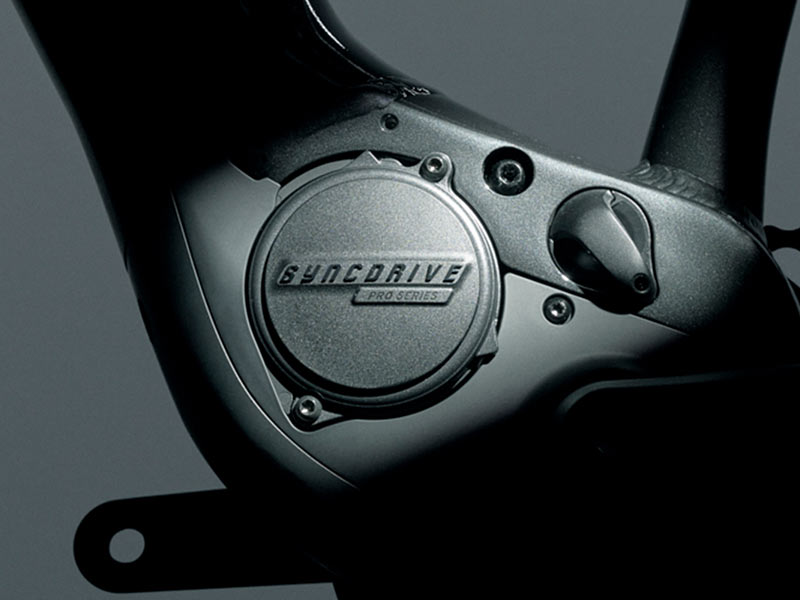
Yamaha Auto Mode.

Oldcrank

Member
Joined
Jan 5, 2020
Messages
67
Reaction score
54
Location
Albuquerque NM
Any one use the Auto Mode power setting? I’m getting my Strance 2020 tomorrow!!
The Yamaha Sport seems to support it.
Many Thanks!
 
⚡ EMTB Pro Go Pro — Living Intelligence Reports, exclusive discounts & ad-free Up to 25% off Peaty's, PEMBREE, Magicshine & more · Ad-free browsing · Pro badge See the deals →
OK
HOW is Auto Mode enabled?
Not clear in manual.
What indicates that it is ‘on’ ?
??
I got it from my excellent bike shop yesterday & my initial impression is only marred by my ear to ear grin!!
2BA48C94-0A94-44BA-8E2D-43A8938BA800.jpeg
 
OK
HOW is Auto Mode enabled?
Not clear in manual.
What indicates that it is ‘on’ ?
??
I got it from my excellent bike shop yesterday & my initial impression is only marred by my ear to ear grin!!
View attachment 24566
Press the left bottom button after you turn the bike on - like expecting to reduce power assist level - and after going to zero, press again and a led will light up between the battery and assist led displays. It’s not logical but you soon get used to it. Let us know what you think ?
 
L I B !
Worked first try!
I don’t think I would ever have decoded the manual’s instructions to the actual procedure!
Many Thanks!
My you always have the rubber side down!
 
Found this via Google. It's not an exact match but might go some way to explaining it

Power assist ‘AUTO’: The motor automatically detects the amount of support the rider needs. The combination of the PedalPlus 6-sensor technology and the instantaneous response of the SyncDrive Life motor creates a smooth and powerful riding experience. It maximizes energy efficiency for both the rider and the battery system, optimizing power depending on the slope and saving power on flats and descents..... ‘AUTO’ assist level is indicated on Charge and EVO displays via power assist indication (G). On RideControl ONE, only the middle power assist indication LED is constantly engaged.
 
I have a 2020 Trance and use the auto mode almost exclusively unless I am climbing something real steep. The auto mode will cycle up to the higher levels once you need it on the hill but it doesn't happen right away and going into level 5 at the base helps you create momentum. Eventually when I am in better shape (I only have a handful of rides on this bike under my belt) I will likely always keep it in Auto.
 
I used auto on my first ride on the bike (Haibike AllMtn 2.0 2020), just before lockdown. Thought "wow, this is easy". Then looked down at the display and you could practically see the battery level dropping as you watched! Since then I have ignored it. Having read this, I tried it again on a ride yesterday. All that seems to happen is that it goes to Level 4 (can't remember what it's called; the one between Standard and Extreme) and stays there! Hence the battery drain. I was going along a track that was only slightly up hill. Tried again later on the flat, same result.

Wonder whether there's something wrong with one or more of the sensors on my bike?

Anyone else have any similar experiences?
 
Any one use the Auto Mode power setting? I’m getting my Strance 2020 tomorrow!!
The Yamaha Sport seems to support it.
Many Thanks!

RR, No i used it for 2 rides when I was learning about the gearing on my bike and what I could do with it. After that hardly ever. The power is unpredictable and surges making it hard on single track and its hard to determine how much of your own power to use at any given moment. It eats up battery fast because it tends to use more motor power than human power and lulls you into a complacency that makes you less attentive and responsive. Its fun though from time to time on short rides.
 
I am almost always on mid level, 3 light.
I get exercise and good range.
I use my transmission according to the situation
and i always know what will happen from the assist.
 
Keep reading
    Browse all

    Similar Threads

    Community Stats

    Since 2018
    673K
    Messages
    41,589
    Members
    Join 30,000+ Riders, it's free!
    Back
    Top